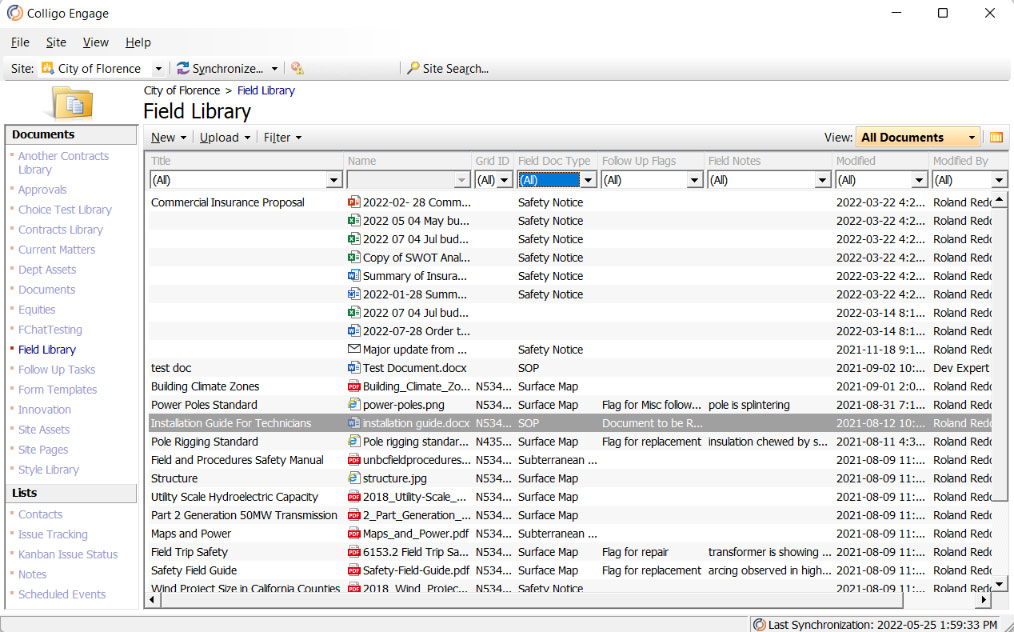
A SharePoint app for easy email & content management

Manage your email & documents with the best SharePoint apps - increase compliance & productivity
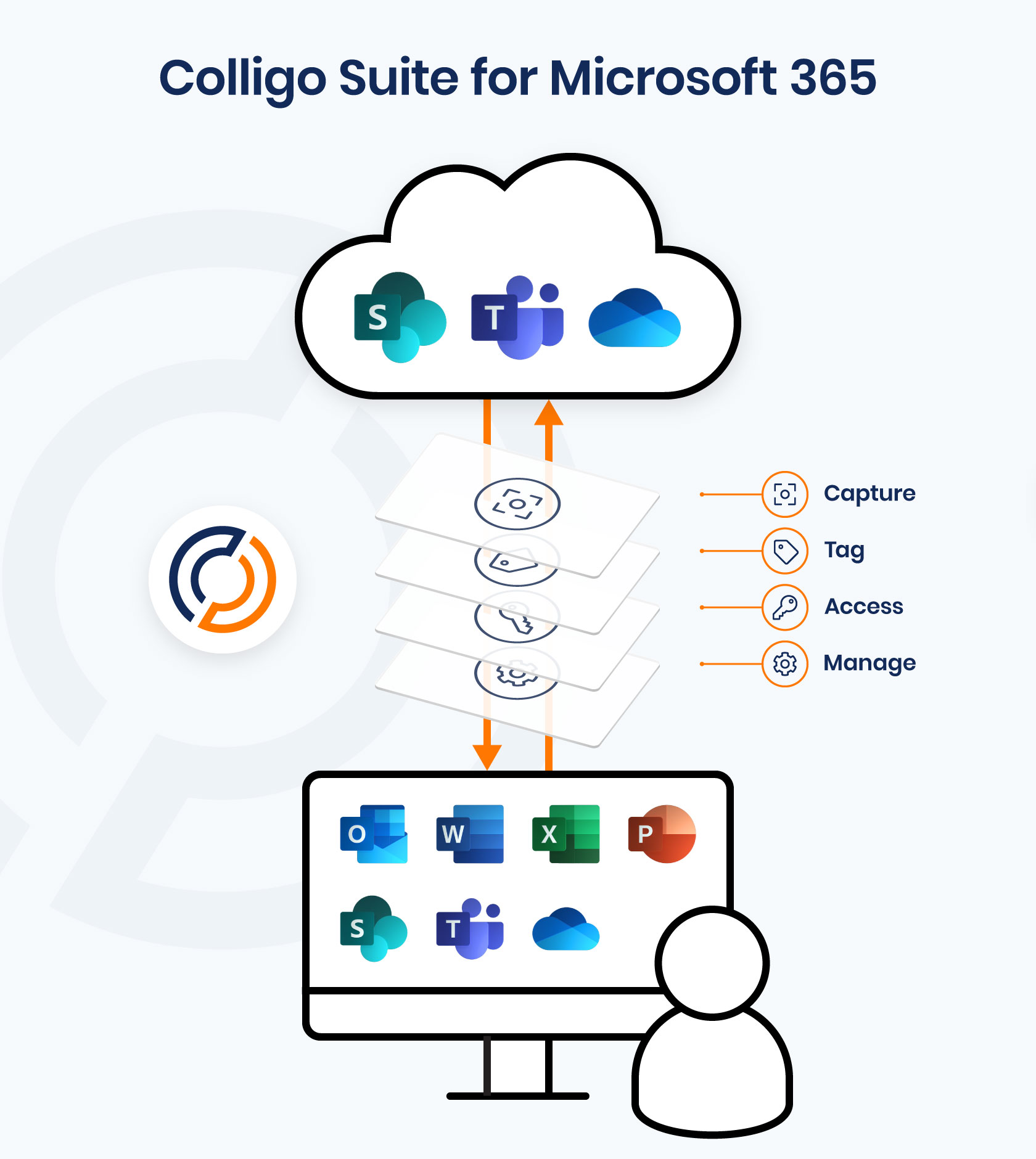
We’ve got a SharePoint app for that! Colligo’s Outlook connector and content management applications provide a seamless front-end to SharePoint. They let you easily save and add metadata to SharePoint files right from Outlook, Teams, Word, Excel, and PowerPoint.
Our SharePoint add ons ensure data compliance at your organization. Users save time filing, which makes your organization more productive and efficient.
Also, each SharePoint app also dramatically increases user adoption of the platform, so you get more from your Microsoft 365 investment. Quick and easy to install, our cloud add-ins are up and running in no time.
Standout capabilities of Colligo Suite
Work on any device
Work with enterprise content on any device with apps for SharePoint, Outlook, Teams, iOS, Windows and the web.
Fast, easy content capture
Easily upload files and emails to SharePoint and any Microsoft 365 location.
Metadata tagging
Comply with email and record management policies with auto-extraction of key metadata.
Content management
Gain simple yet powerful control over content, whether in the office or on the road.
Mobile content editing
Easily edit SharePoint/Microsoft 365 content or annotate PDFs, even when offline.
Information governance
Apply retention and sensitivity labels automatically or as users save files to SharePoint.
No end-user training
Deploy the SharePoint add in fast with minimal IT involvement.
No App Switching
Easily access apps from where you work most – Teams, Outlook, web browser, Office apps.
Reliable Azure storage
File and access files to and from SharePoint, leveraging Azure scalability, accessibility, and storage.

Quantifiable benefits
Save time
Reduce app switching by working within Office apps while accessing SharePoint and efficiently surfacing content through Search.
Save money
Reduce risk of financial penalties for non-compliance and increase productivity efficiencies by working with SharePoint and Colligo together.
Improve user experience
Connect Outlook and Teams so users can stay in their Microsoft 365 and Office apps while seamlessly tagging, filing, searching, and accessing SharePoint.
Boost user adoption
Clients report up to 100% user adoption of SharePoint after implementing Colligo, expanding utilization of E3 and E5 licenses.
Improve Governance & Compliance
Keep your organization in line with regulatory, industry, and company policies while reducing content sprawl with auto-applied metadata and labels.
Increase ROI on your Microsoft 365 investment
Significantly reduce unused and underutilized Microsoft E3 and E5 licences and lower your cost of ownership.
Colligo Enterprise Suite
Email Manager for Microsoft 365
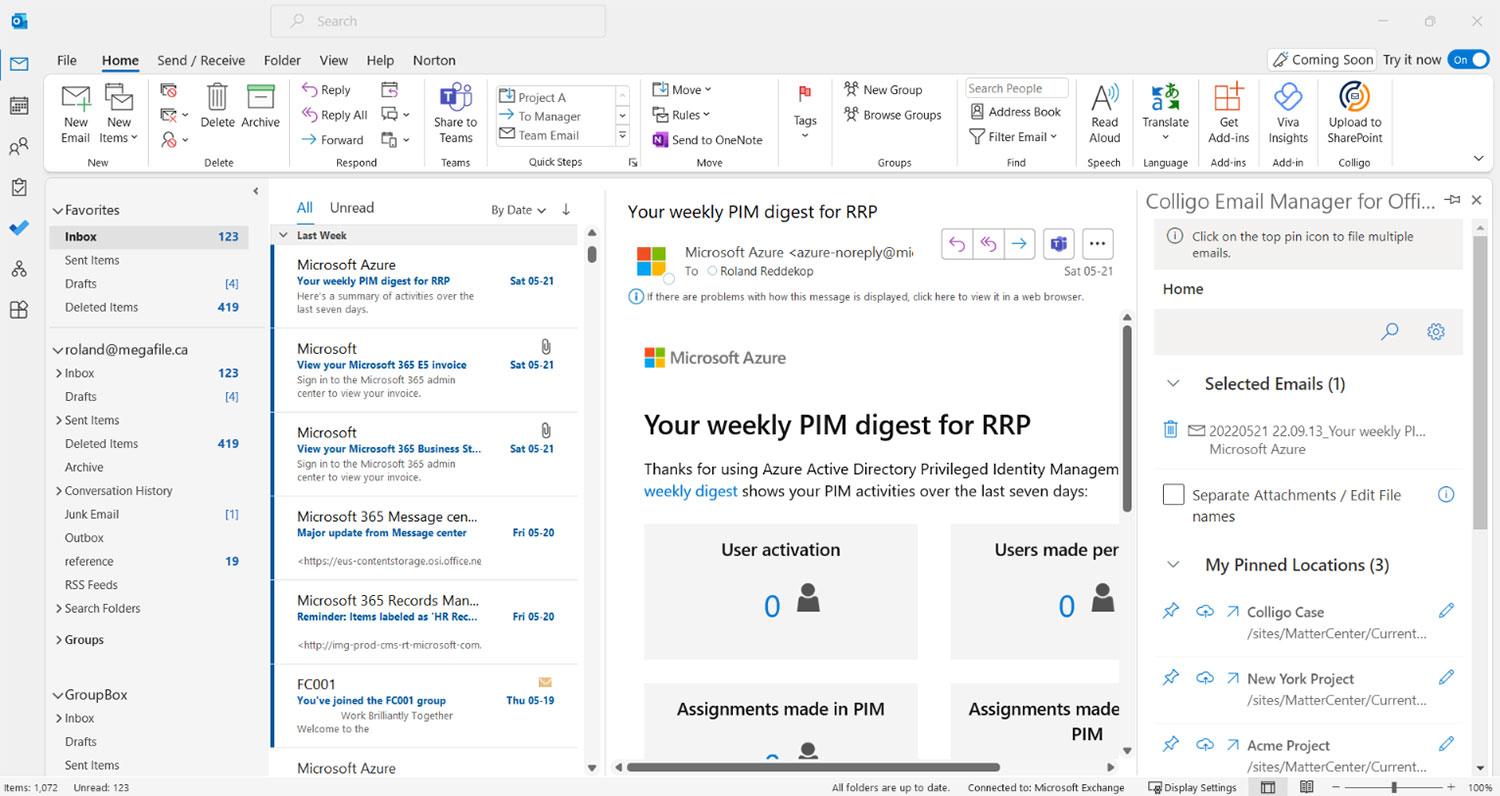
Capture and auto-classify emails and attachments directly from Outlook to SharePoint and Teams with automatically extracted metadata
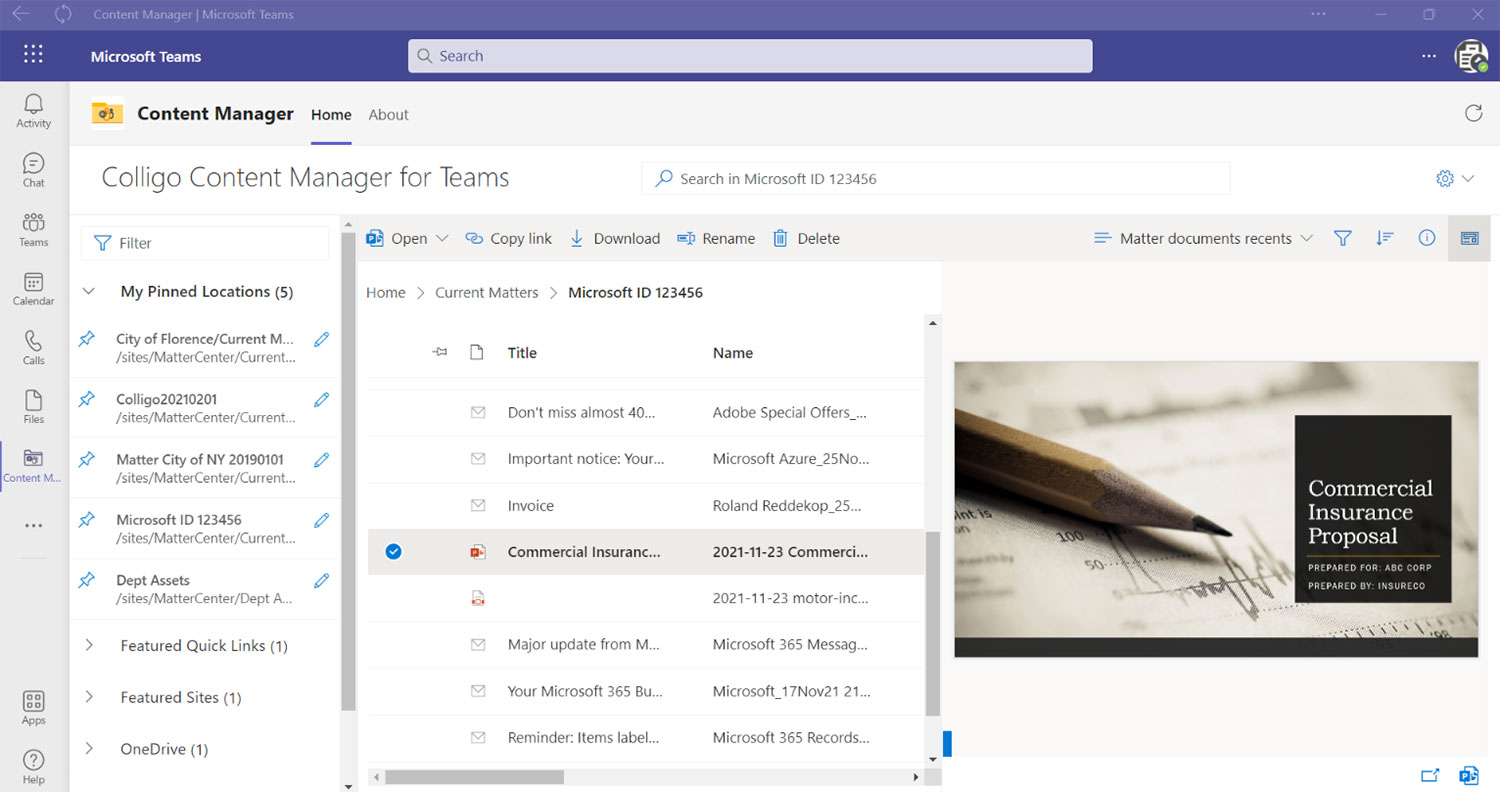
Content Manager for Microsoft 365
Explore SharePoint from Teams, web browsers, and Outlook, and find and share files faster
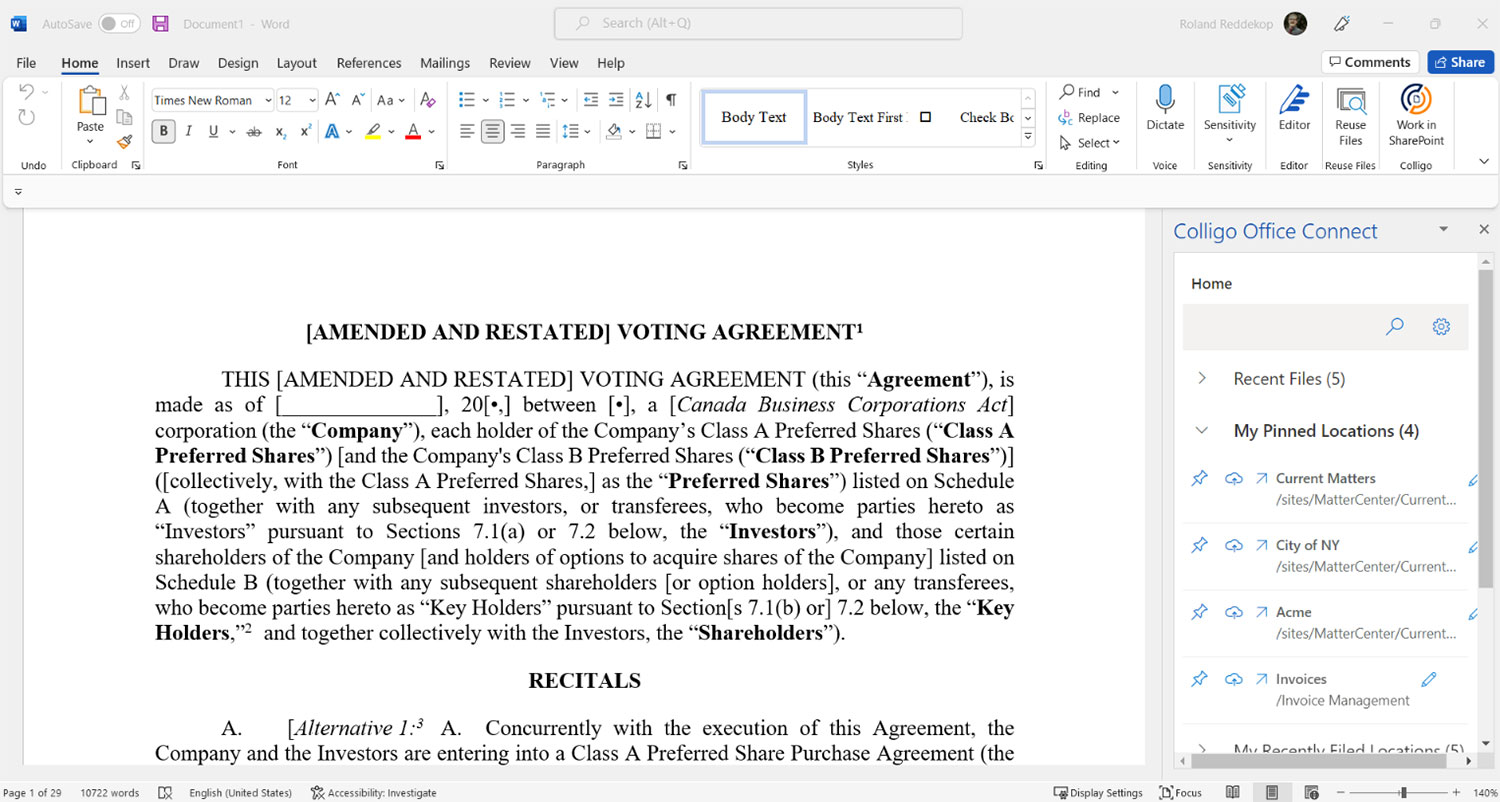
Office Connect for Microsoft 365
Easily add metadata, labels and retention dates, and save and classify files to SharePoint from Microsoft 365
Offline teams
Briefcase
Get reliable online and offline access to Microsoft SharePoint/Microsoft 365 with apps for iOS and Windows