



Automated Email Filing for Microsoft 365
Email Auto-File works with Colligo Email Manager to automatically capture and store Outlook emails in SharePoint—ensuring complete, compliant records.

Auto-Capture Email

Automate Email Filing—Don’t Rely on Users
Managing email records manually is time-consuming and inconsistent. Even with the right tools in place, filing often depends on users remembering to take action.
Email Auto-File extends Colligo Email Manager by automatically capturing and storing emails in SharePoint—so nothing is missed.
Reduce Risk
Why Manual Email Filing Breaks Down
Most organizations rely on users to:
- File emails after the fact
- Apply metadata correctly
- Follow retention and compliance policies
In reality, this leads to gaps, inconsistencies, and increased risk.

Schedule Filing

A Smarter Approach to Email Records Management
Email Auto-File removes the burden from users by automating the process. With Auto-File, you can:
- Automatically move or copy emails and attachments to SharePoint
- Schedule filing (daily, weekly, or monthly)
- Apply metadata and retention labels consistently
- Capture large volumes of emails without manual effort
Ensure Compliance
Built for Compliance, Efficiency and Scale
Ensure consistent compliance
Capture and store emails according to policy—automatically.
Save time across your organization
Eliminate repetitive manual filing tasks.
Handle high-volume scenarios
Manage shared mailboxes, projects, and employee offboarding with ease.
Reduce reliance on user behaviour
Ensure important records are never missed.

Scale Email Filing
Complete Email Capture—Manual and Automated
Email Manager enables users to file and manage emails directly from Outlook. Email Auto-File works alongside it to automatically capture and store emails in SharePoint—ensuring nothing is missed.
Together, they provide a complete approach to email records management in Microsoft 365, combining user-driven filing with automated capture at scale.
Reduce Manual Filing
When to Use Email Auto-File
This add-on is ideal for organizations that:
- Need to manage high volumes of email
- Want to reduce reliance on manual filing
- Require consistent compliance and retention
- Manage shared mailboxes or employee offboarding

Common Questions About Automated Email Filing
Automated email filing captures emails and attachments from Outlook and stores them in SharePoint based on predefined rules or schedules, reducing the need for manual filing.
Yes. Email Auto-File allows organizations to automatically move or copy emails to SharePoint on a scheduled basis, ensuring important records are consistently captured.
Automating email filing reduces reliance on users, improves consistency, and helps ensure emails are captured and stored in compliance with records management and governance policies.
News & Newsworthy
–
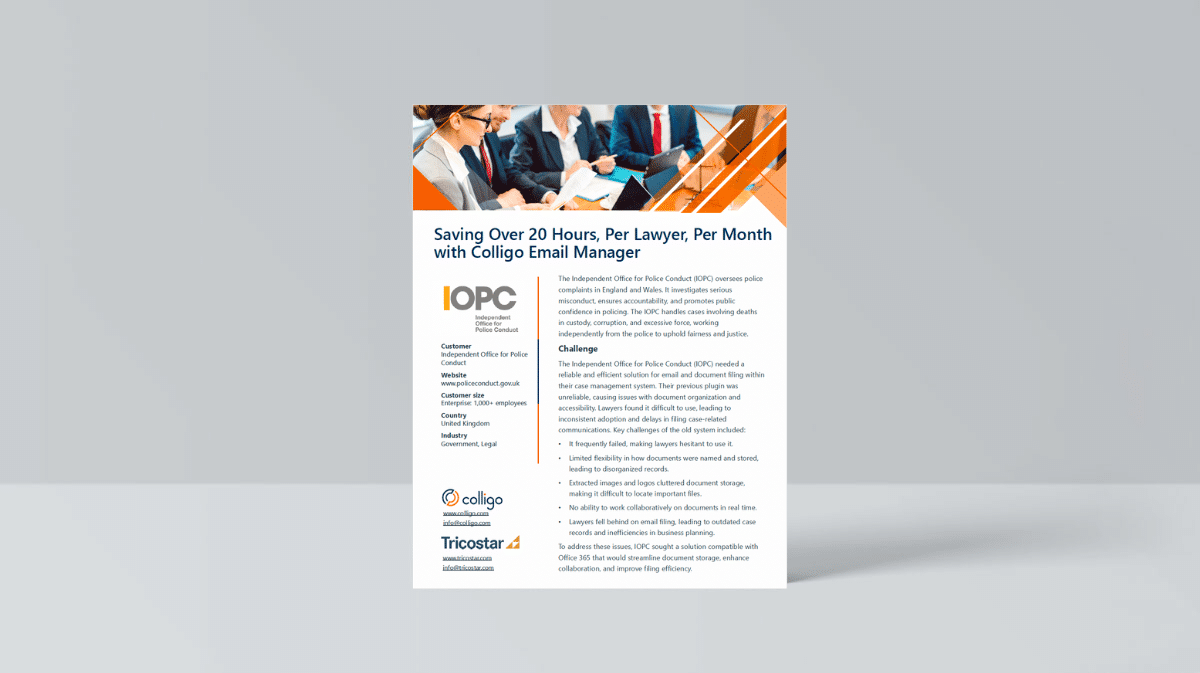
Saving Over 20 Hours, Per Lawyer, Per Month with Email Manager
Lawyers each save 20 hours per month using Email Manager: Independent Office for Police Conduct case study.

–
How to Make Email Records Management Easy with ‘Auto-File’
We’ve got great news for you. Email ‘auto-file’ is here! Join us to see what makes this leading-edge, one-of-a-kind tool special.

–
Email Records Management: A Complete Guide to Automating Compliance in Microsoft 365
One-of-a-kind bulk filing tool enables you to move large batches of emails from Outlook to SharePoint. Welcome to a world of efficiency.


